On a stream
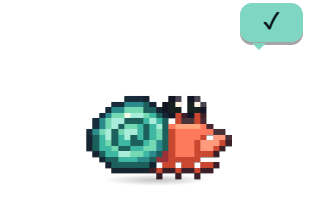
An OBS browser source on a transparent background: the same crab, outfit and animations, reacting live in the corner.
Your phone, your terminal, your stream, your desk lights, your Stream Deck, your Discord profile and your pull requests. Every one of them optional, and none of them through a server of ours.
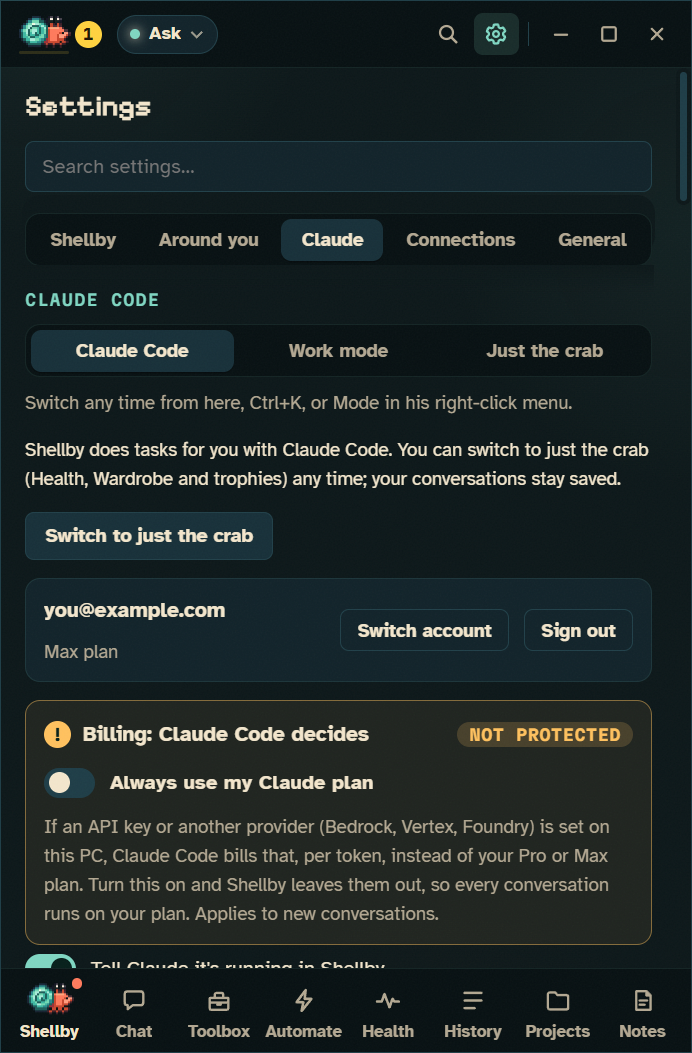
A permission prompt, a finished run, a reset usage limit, a red build or an overheating GPU can reach your phone, straight to the service you picked.
No account. Or Telegram, which finds your chat by itself, Pushover, Discord, Slack or your own endpoint.
Allow and Deny buttons on the notification, each with its own single-use code that expires after 30 minutes.
Turn a message into a Claude Code task, in the folder you picked: in <project>: <task>.
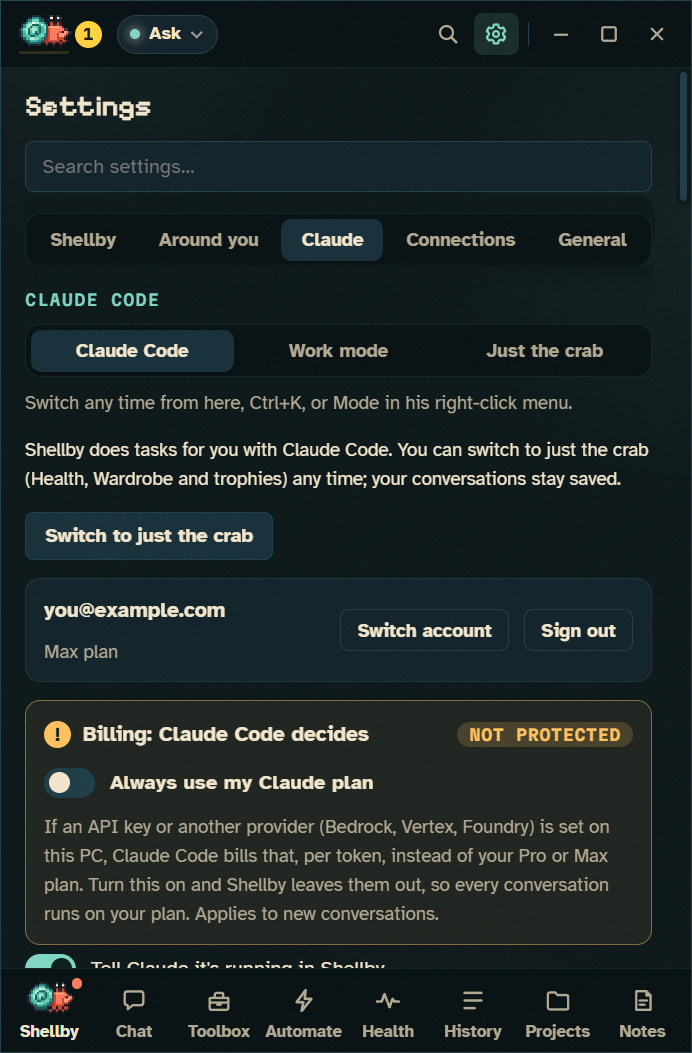
Start a task, say something, check his status or pull your timesheet from any terminal. Claude can drive him too, through the plugin's MCP server: say what a skill is up to, or celebrate when a release lands. It can't start tasks of its own.
$ shellby do "tidy my Downloads"
$ shellby do @review
$ shellby say "all green"
$ shellby status
$ shellby time last-week
An OBS browser source on a transparent background: the same crab, outfit and animations, reacting live in the corner.
Through OpenRGB: coral while he works, amber when he needs you, red when a build goes red or something overheats.
Allow, Deny, Stop, Bring it home and Ready to review as hardware keys, each showing what's waiting.
Lv 12 Abyssal Admin · working with Claude Code, the way a game shows up, with a clock.
He reacts to Claude Code in VS Code, Cursor, Windsurf, Zed, JetBrains and Windows Terminal.
Connect over ssh, through a VPS or any computer in between, and he walks you through the rest.
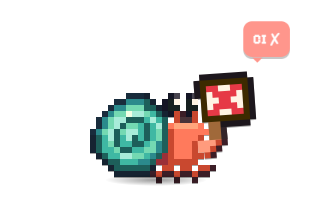
He watches the checks on your pull requests and holds up a sign when one fails. Fix this build hands Claude the failing log.
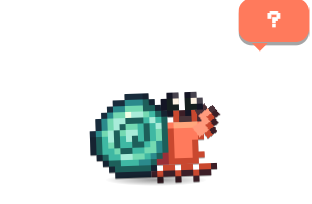
Trophies, outfits, stickers, the Bugdex, his finds, his bond with you and his tank, in a private gist.
Add friends by GitHub username and their crab drops by now and then, wearing their outfit, and leaves a souvenir.
Your crab, level, streak and latest stickers as an SVG on your GitHub profile.
A small picture of your crab at the bottom of pull requests your tabs open. Off unless you turn it on.
Issues assigned to you or labelled shellby can start a workflow, through to a draft pull request.
Off by default, with a warning before it's on. Changes to CI workflows have their own separate switch.
Free for Windows 10 and 11. Bring your Claude Pro or Max plan, or just keep him for company.