He climbs your windows
Every so often he hops onto your window's title bar, rides it when you drag it, and gets flung off when you shake it.
On the wallpaper layer, still there after Win+D. He scuttles while Claude works, raises a claw when it needs you, climbs your windows, guards your focus and naps when it's quiet.
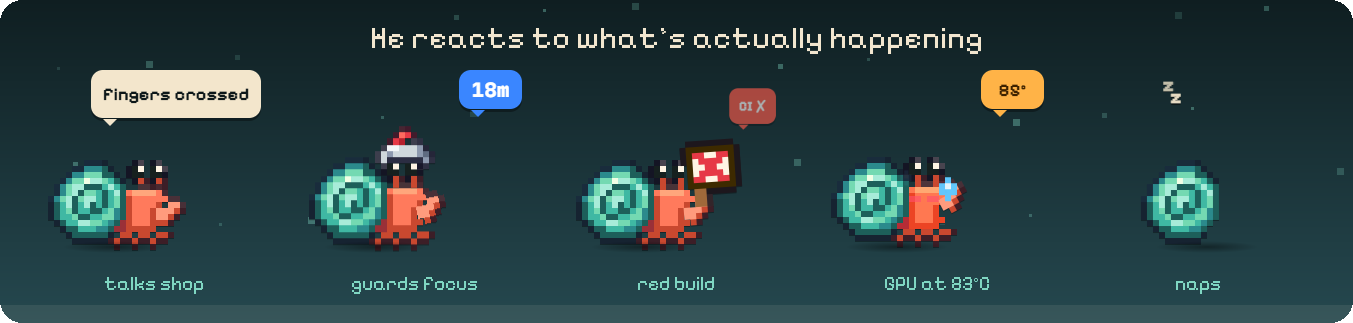
He scuttles while Claude works, raises a claw when it needs you, celebrates when it's done and naps when it's quiet. His eyes follow your cursor.
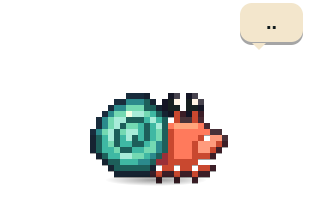
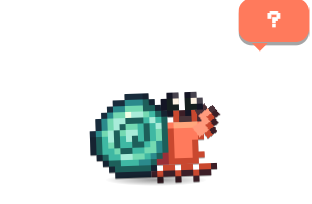
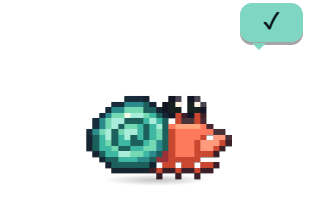
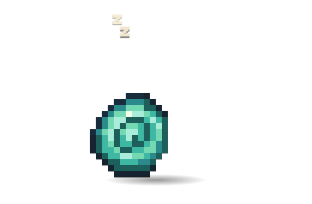
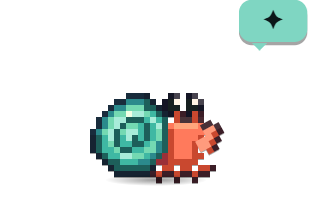
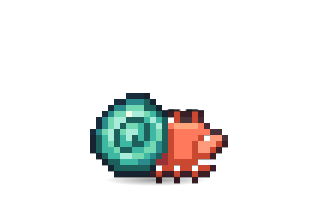
Every so often he hops onto your window's title bar, rides it when you drag it, and gets flung off when you shake it.
He scuttles up the side of the screen, has a look round, and climbs back down, leaps off or walks across the top.
He tumbles across the screen, bonks off the edges and lands on the taskbar.
Rub the mouse back and forth over him and you two grow a little closer.
Up to five little crabs of his own, in his colours and outfit. They dig, wave and curl up when he naps.
He stops animating when you aren't looking, and everything stops while your screen is locked.
Headphones when music plays, a little keyboard when you type, a helmet while you focus, a sou'wester when it rains in your town, and a "shh" sign on calls.
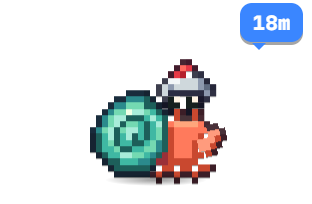
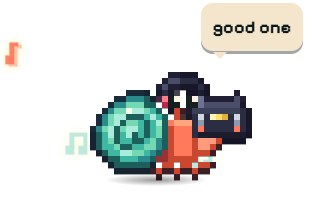
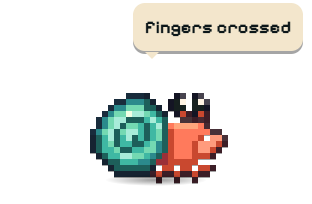
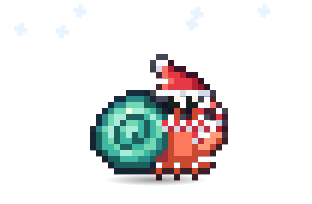
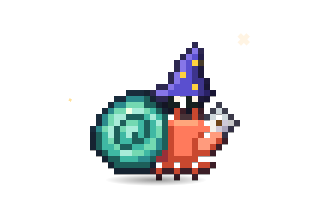
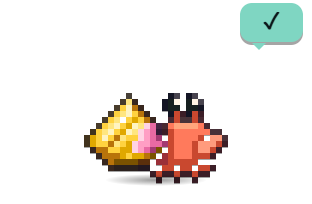
"fingers crossed" at a test run, "all green!" when it passes, "shipped it" after a push, "this file again?" on the third visit.
Chipper, fussy, cocky or sleepy, picked once and kept. It colours his lines and his idle habits.
A Pirate Crab, a Grumpy Crab, Español, or any voice from a community pack.
Windows' own record of who's using the mic tells him. He never listens himself.
A synthesized chirp, footsteps and ta-das, or rolling surf. All off by default.
Quiet is a single mark in the bubble. Just about work only speaks up when it matters.
"At this pace you'll hit your 5-hour limit around 3:40 PM. It resets at 4:15 PM." Hold a message for after the reset and it goes by itself.
He naps with a countdown, then taps you the moment it resets, even if your PC was asleep.
Queue heavy tasks and they start when the window resets, overnight too, with the PC kept awake.
Click it to see which tabs, routines and projects used it up.
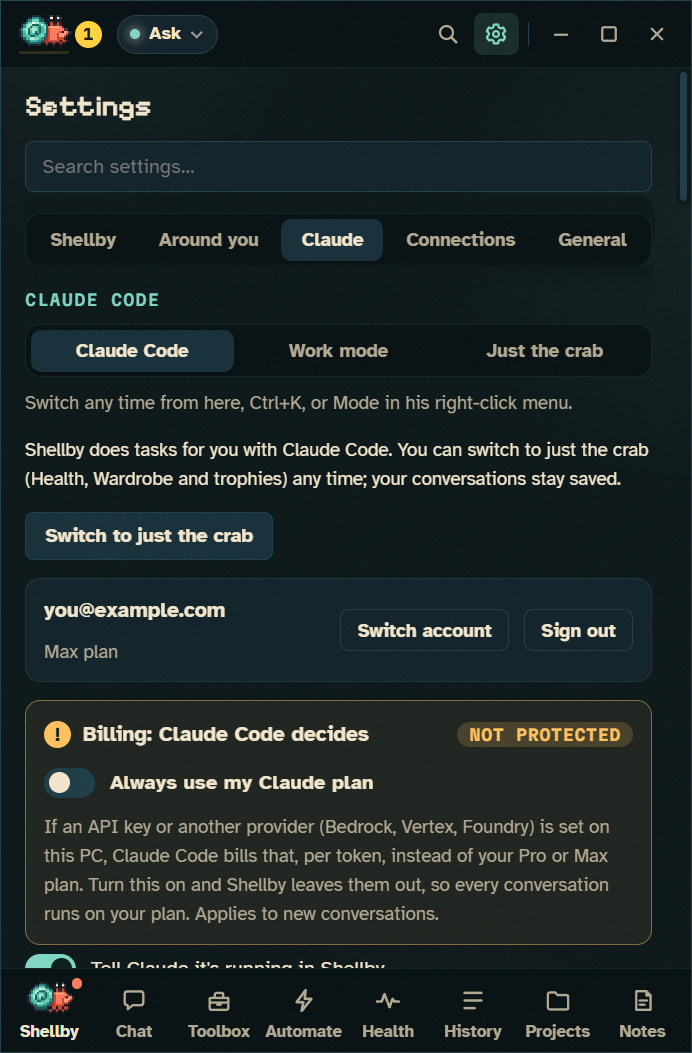
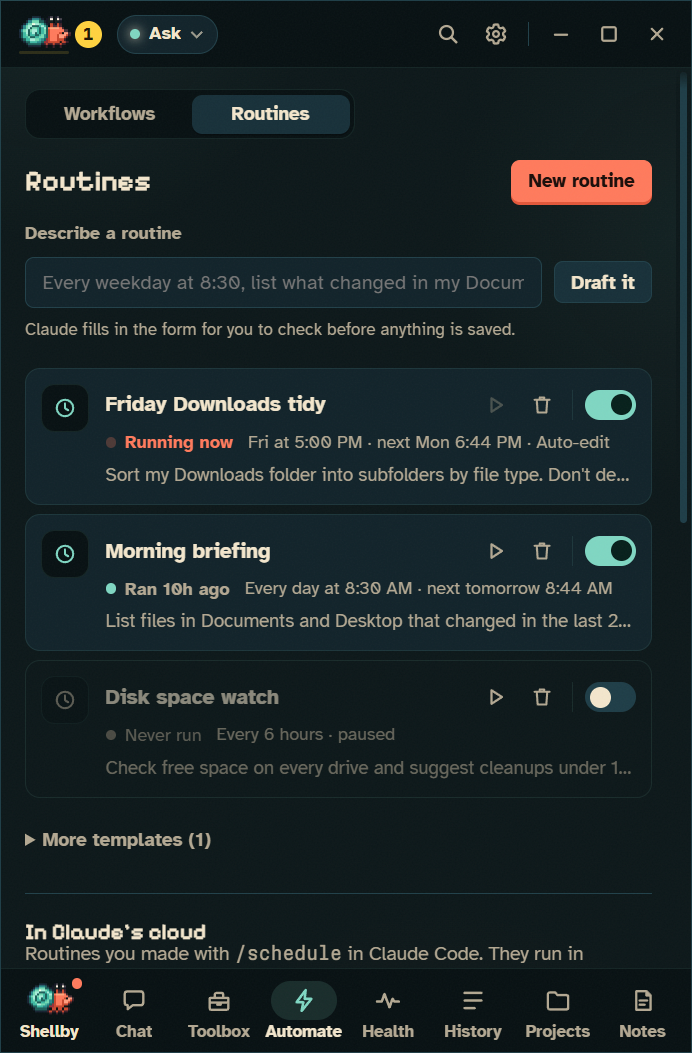
He snaps your cursor in his claw and tugs it a few pixels. Pull away and he lets go.
A few dozen pixels, never off the screen, and only once you've stopped using the mouse.
Follow him along the floor, and fade as the tide comes in.
"drink some water", "have you saved?", "nice cursor. mine now".
While you hold a mouse button, are on a call, focusing, gaming, presenting or while a task is running.
Cheeky gets up to something every 20 to 40 minutes. Gremlin goes every few minutes.
Your tools lead the bar, he only speaks up about the work, and the pals, pranks, climbing and confetti take the day off. His needs rest and his progress keeps counting. Work mode lays its settings over yours, so turning it off gives you back exactly what you had.
Any screen, setting, permission mode, past conversation or skill.
For the bar along the bottom. Esc goes back up one level.
Ctrl+F finds text; Ctrl+= and Ctrl+- size the text from 80% to 150%.
Hand files to a task, or paste a screenshot straight into the box.
The crab in the corner and the panel's deep-sea colours.
Opens a GitHub issue with his version and log lines already filled in, home folder shortened.
Free for Windows 10 and 11. Bring your Claude Pro or Max plan, or just keep him for company.