🎪 Things to try
Nobody reads a feature list to find out a crab can be thrown.
Have a go. Every one of these is a setting: turn up the ones you like and switch off any you don't. The pals, the typing and the pranks stay off until you turn them on.


And a few more
Do this, and he…
| Do this | And he… | Switch |
|---|---|---|
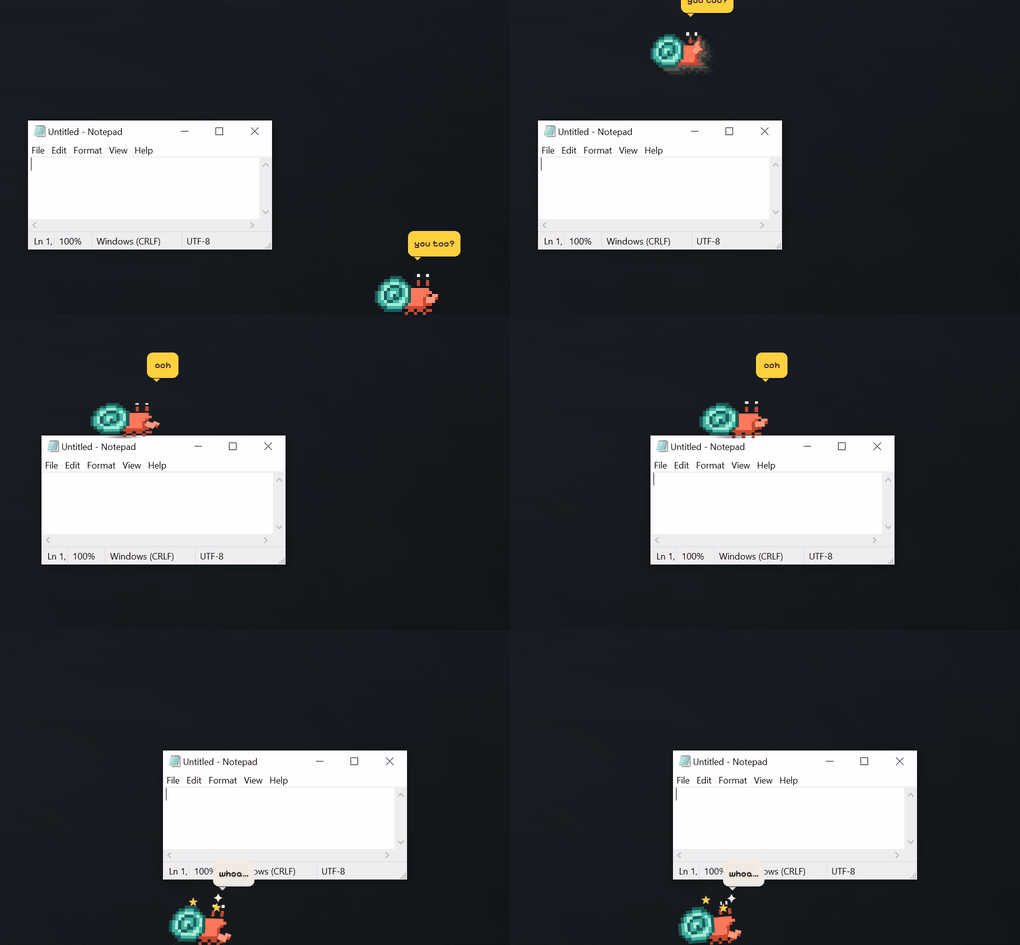
| Flick him while you drag him | tumbles across the screen, bonks off the edges and lands on the taskbar | always on: you started it |
| Throw him at the top of the screen | sticks to it and walks along it upside down, legs swinging | Settings → Shellby → Climbing the edges of the screen |
| Rub the mouse back and forth over him | gets petted, and you two grow a little closer | always on |
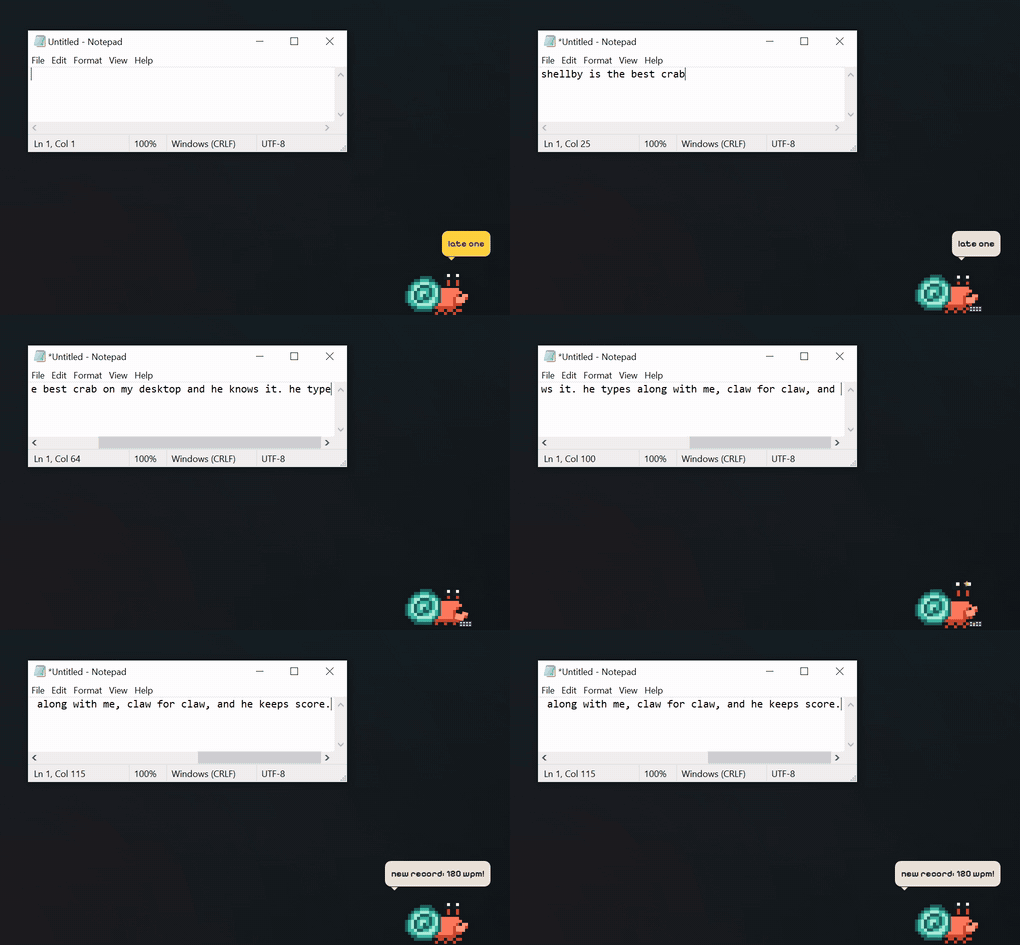
| Play some music | puts his headphones on | Settings → Around you → Listening along |
| Right-click → Play → Dig for treasure | digs, and every so often holds up a find | only when you ask |
| Right-click → Play → Hide and seek | burrows into the sand and pops up behind one of your windows | only when you ask |
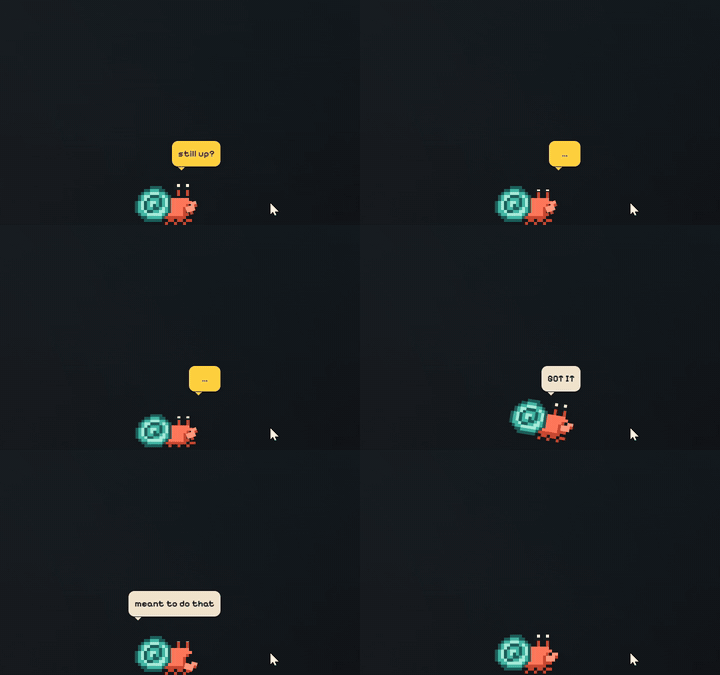
| Right-click → Play → Fetch | waits for you to throw the pebble, scuttles after it and brings it back | only when you ask |
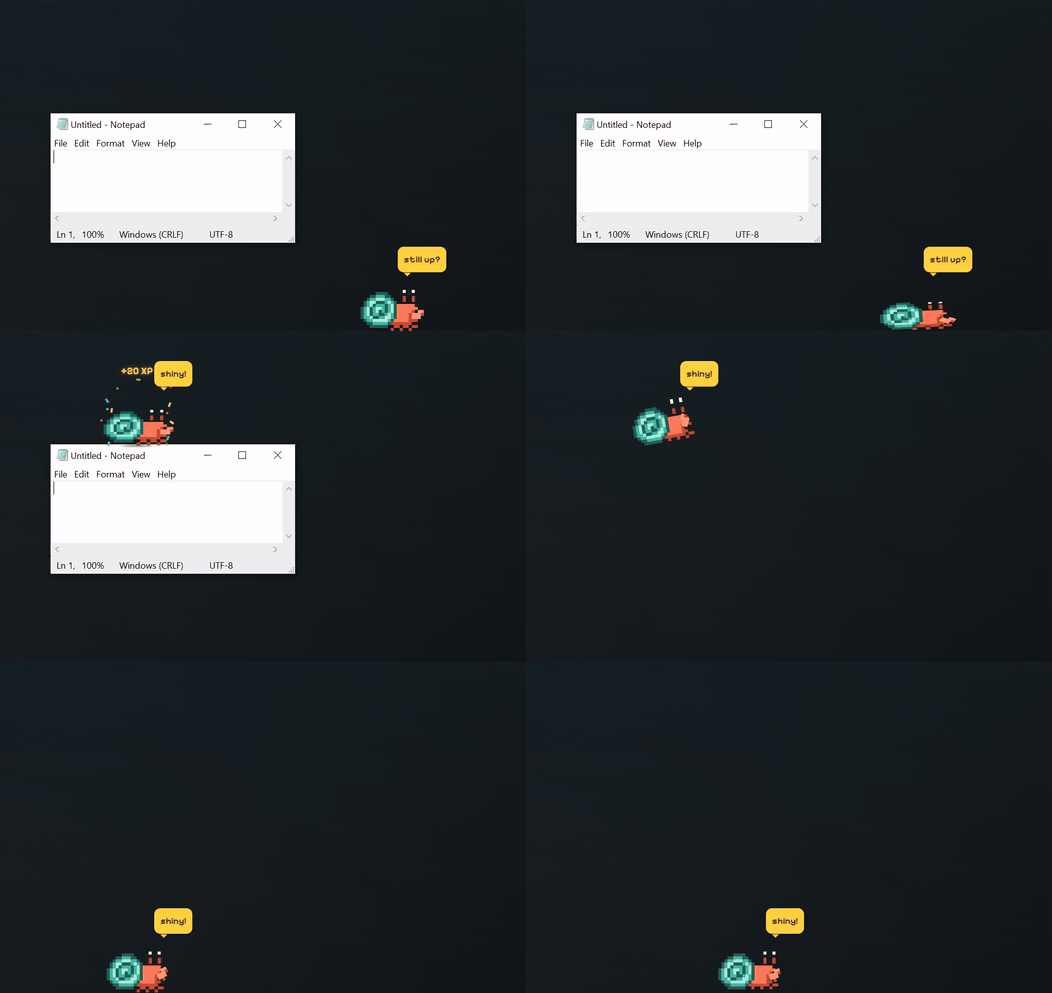
| Turn on Mischief (if you dare) | pinches your cursor, shoves a window and drags notes onto your desktop | Settings → Shellby → Mischief (off until you turn it on) |
Want a quieter crab in one click? Work mode switches off the climbing, pals and pranks together, and gives you back exactly what you had when you turn it off.
Next
⚡ Gets things done
Get Shellby. It's free.
Free for Windows 10 and 11. Bring your Claude Pro or Max plan, or just keep him for company.